
A 3D origami textbookyou fold along with
The Paper Crane, Ninja Star, Dart Paper Airplane and more. The paper on screen folds one step at a time, so you can check it from any angle and fold along with your own sheet. Free, no sign-up.
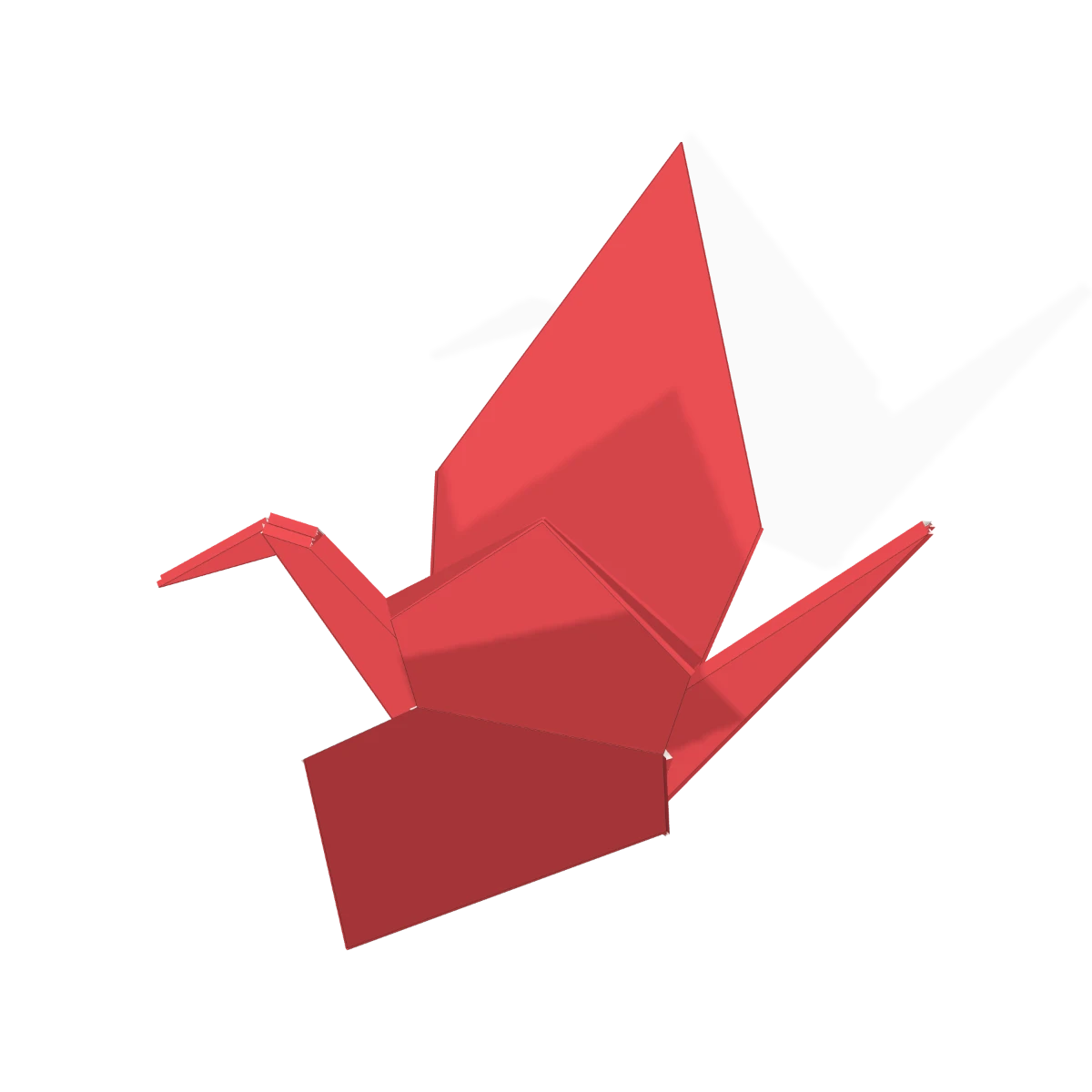
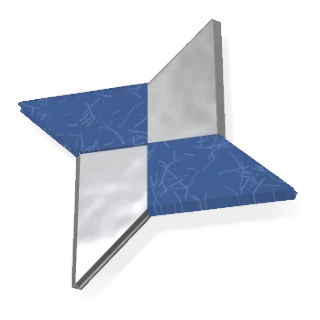
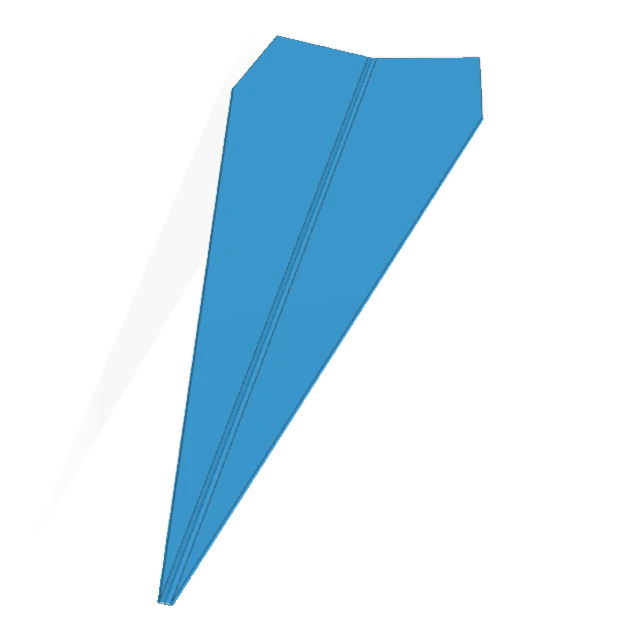
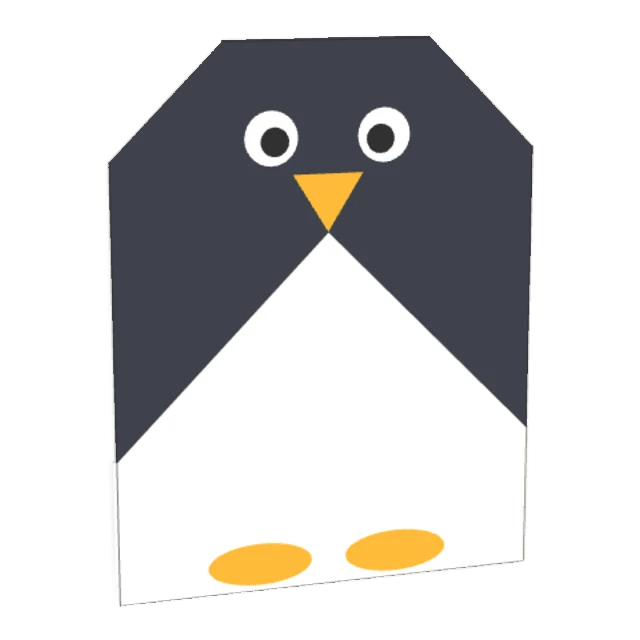
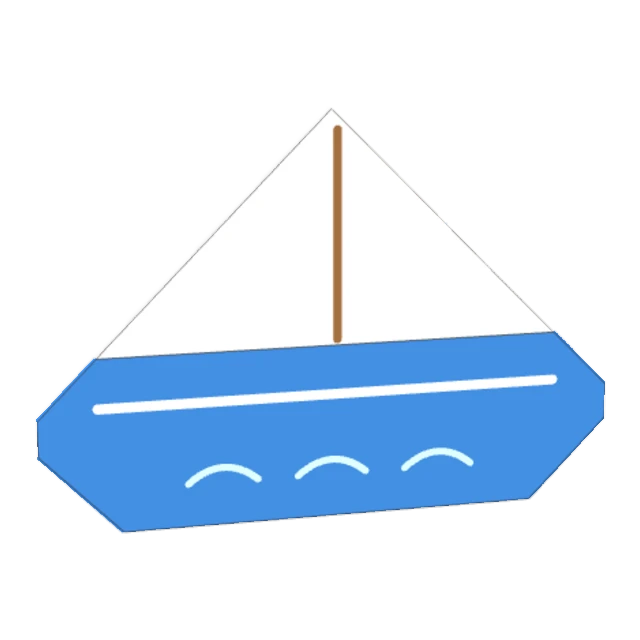
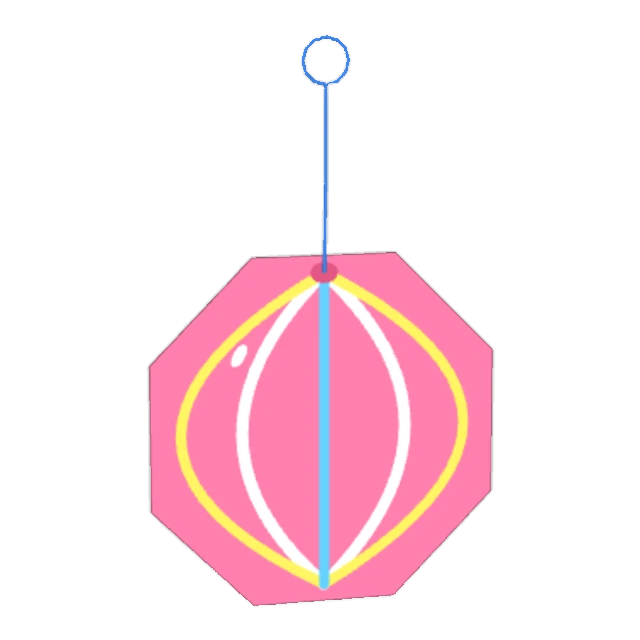
The Paper Crane, Ninja Star, Dart Paper Airplane and more: 21 models, folded one step at a time in 3D. Free, no sign-up.

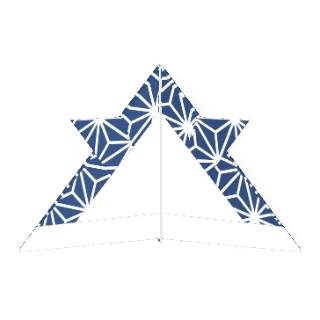
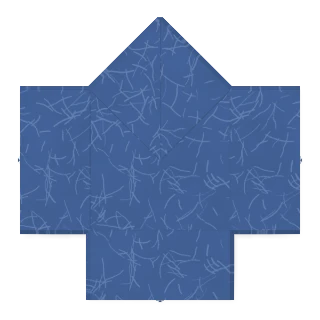

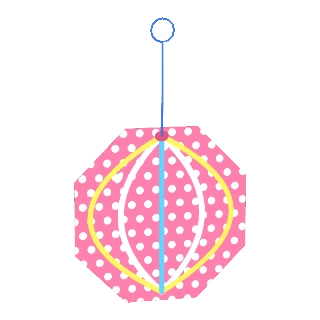
Watch the video
What it does
Valley foldMountain fold
 Step 2
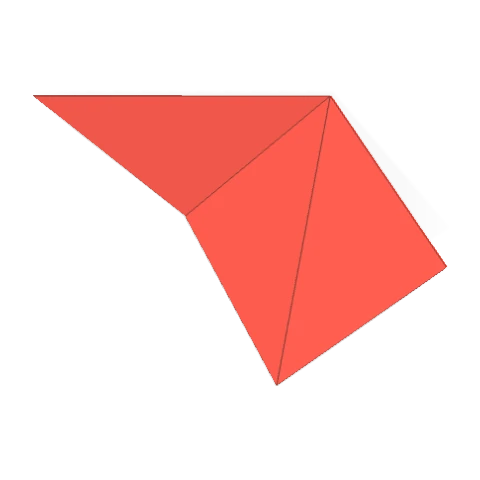 Step 4
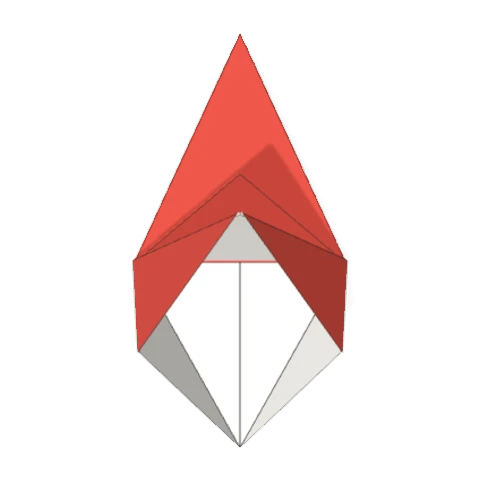 Step 12
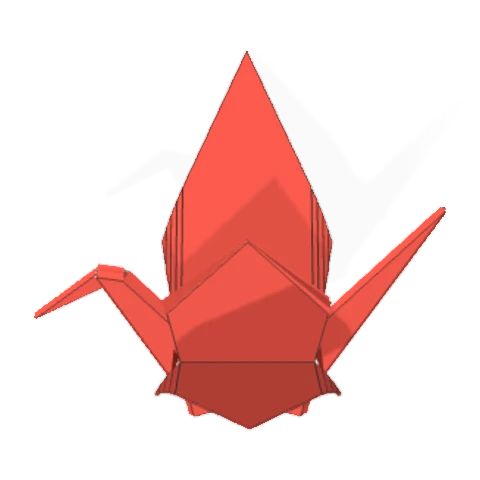 Finished
- One step at a time, in 3D, from any angle
- Turn the paper with your finger or mouse to see how each fold goes. The view moves to a good angle for every step.
- No square paper needed
- Start from A4, US Letter or any rectangular copy paper with the steps for making a square. Make a square from rectangular paper
- Printable sheets
- Print a sheet with the creases already drawn, at actual size on A4 or US Letter. Valley and mountain folds use different line styles.
- Step-by-step diagrams
- See every step as a diagram with its instruction, laid out like an origami book.
- Models that move
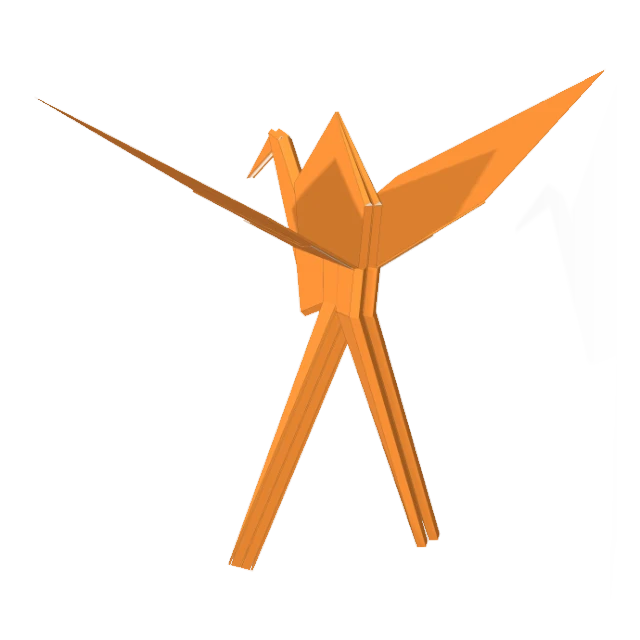
- The crane flaps its wings, and the fortune teller chomps, opening one way and then the other.
- Paper colors and patterns
- Pick from about 50 papers: solid and two-tone colors, Japanese patterns, washi, gold and silver foil, glitter and more.
- Seven languages
- Screens and instructions in Japanese, English, Chinese (Simplified and Traditional), Korean, French and Spanish. Voice guidance in Japanese and English.
- Works offline
- The models are built into the app. Once you have opened it, you can fold without a connection.
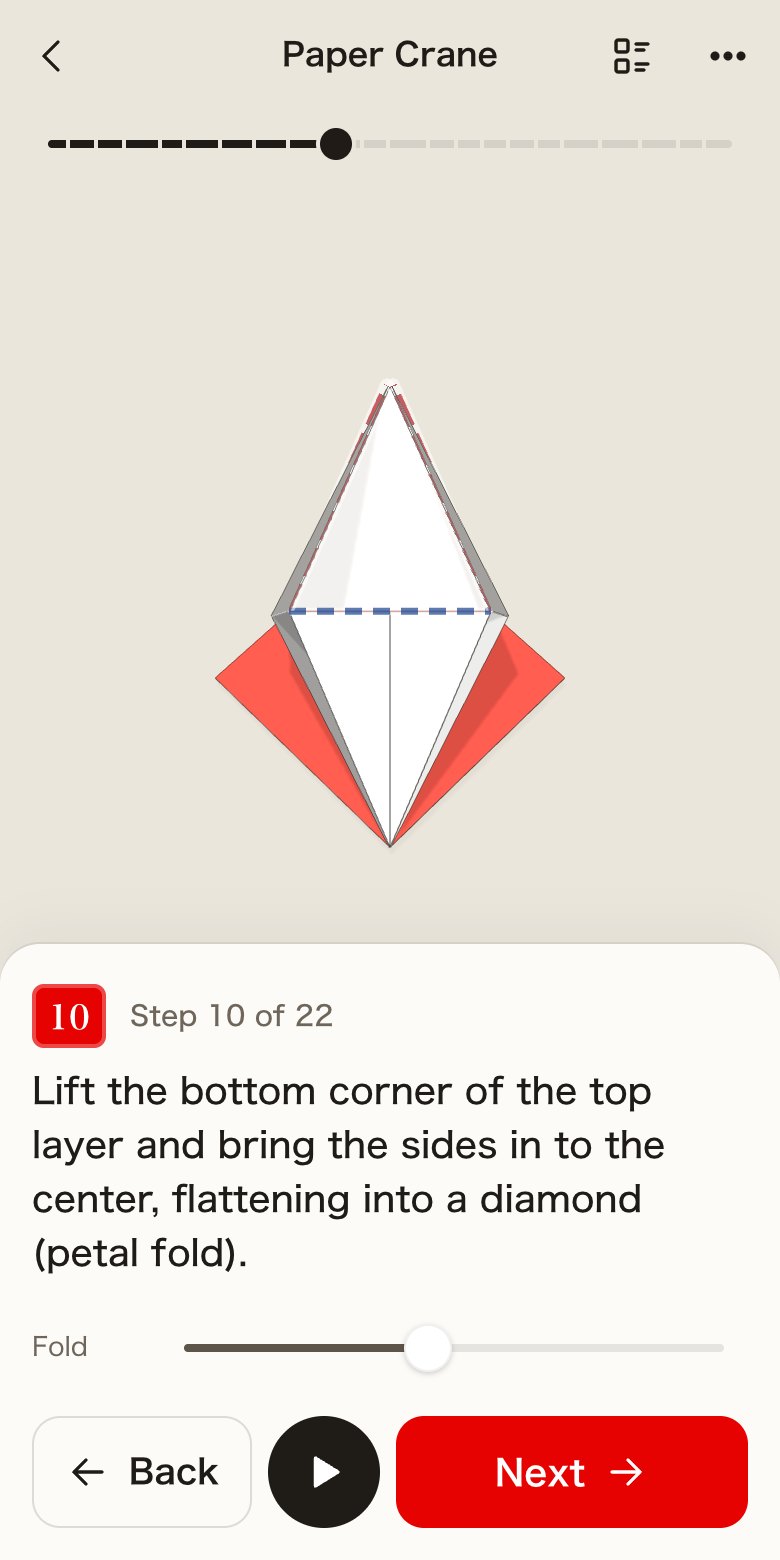
The folding screen
- One step per Next
- Each tap shows the current fold, then moves on. The controls sit at the bottom, within reach of your thumb.
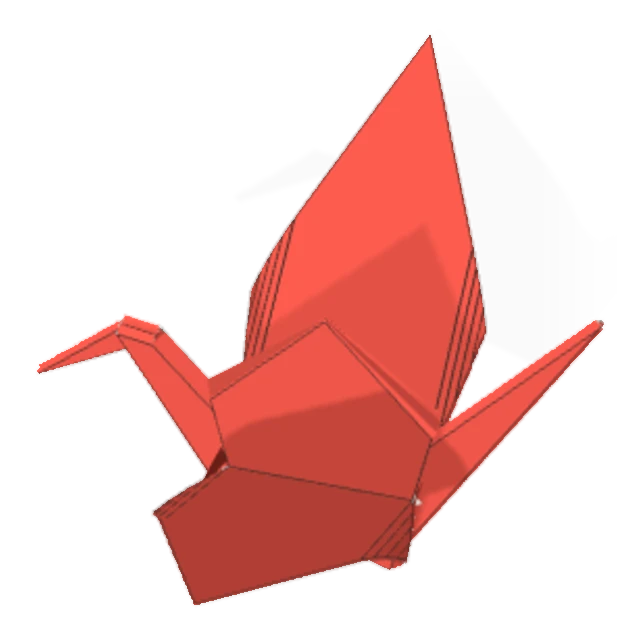
- Turn it with your finger
- Drag the paper to see it from any angle. Recommended view puts it back.
- Stop halfway
- Use the Fold slider to hold the paper at any point of the fold.
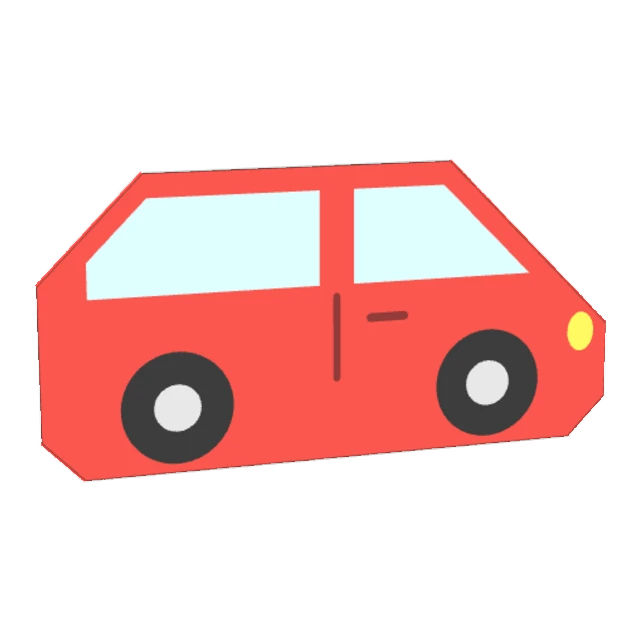
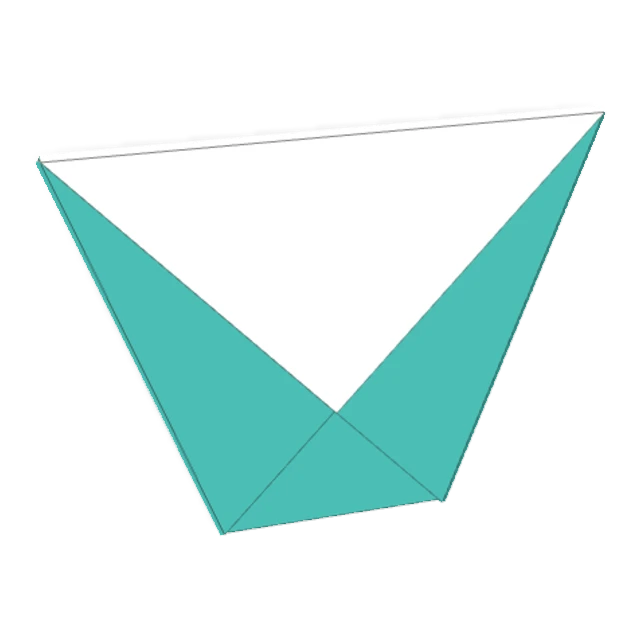
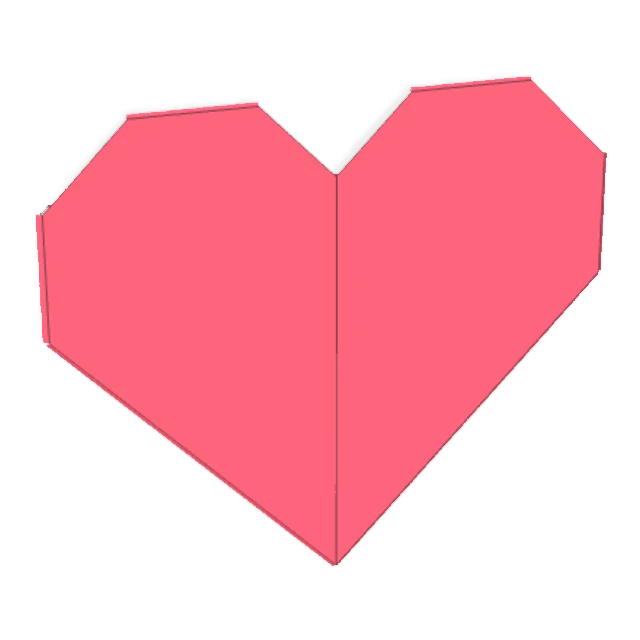
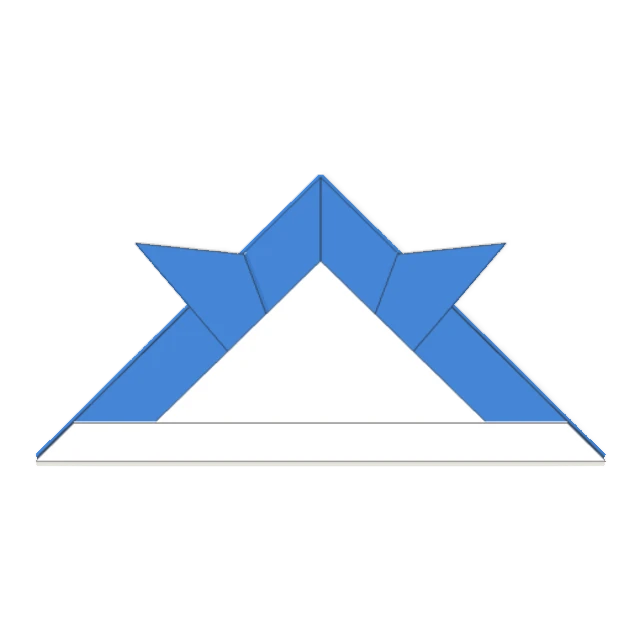
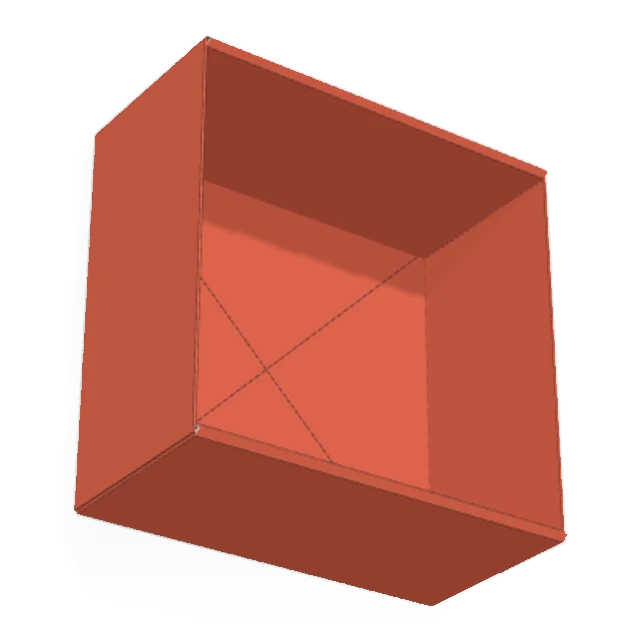
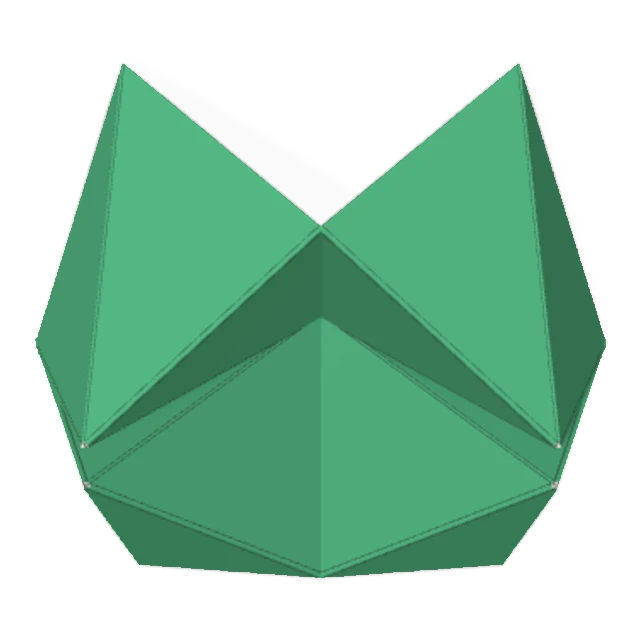
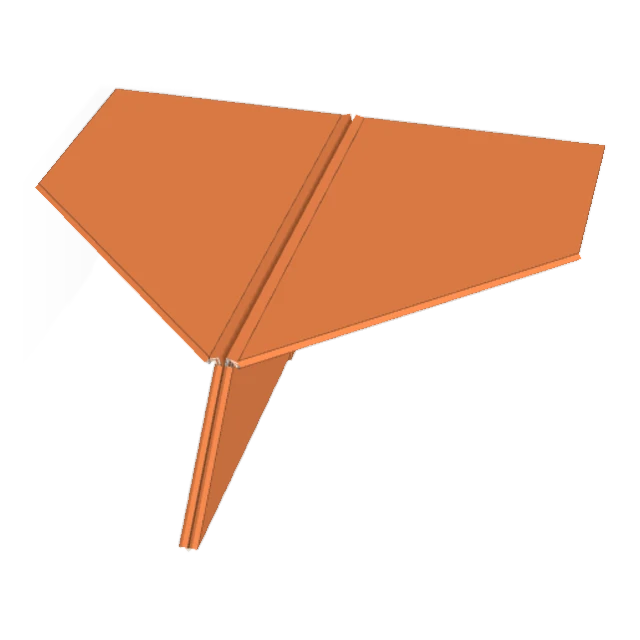
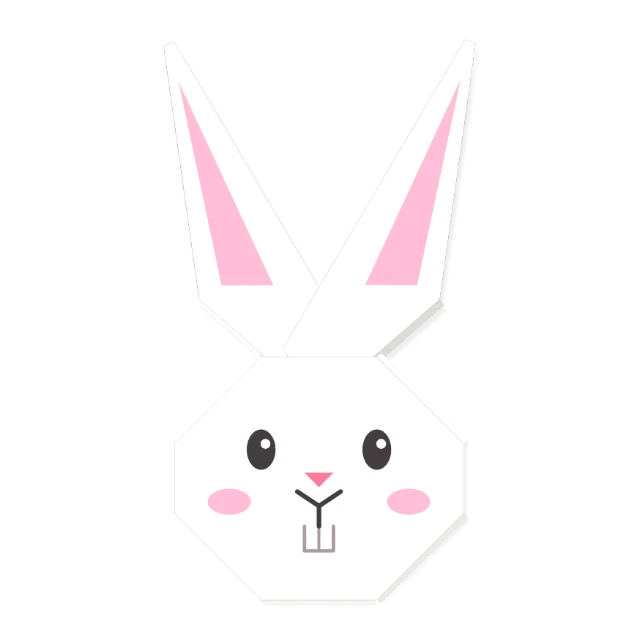
Models
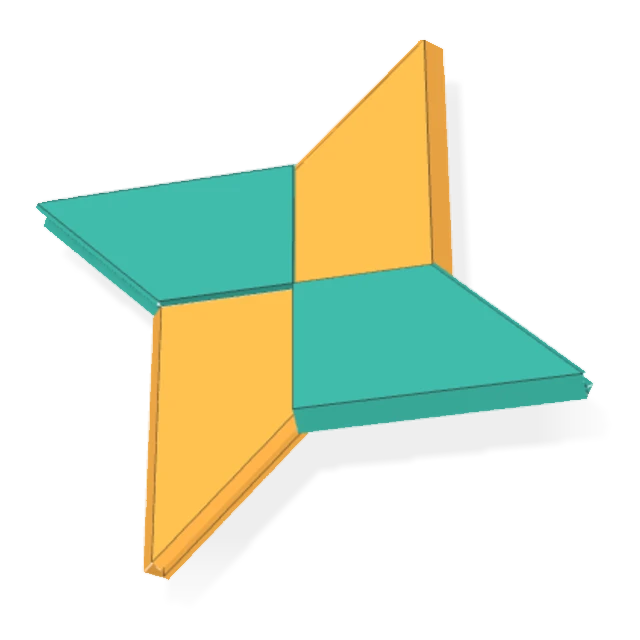
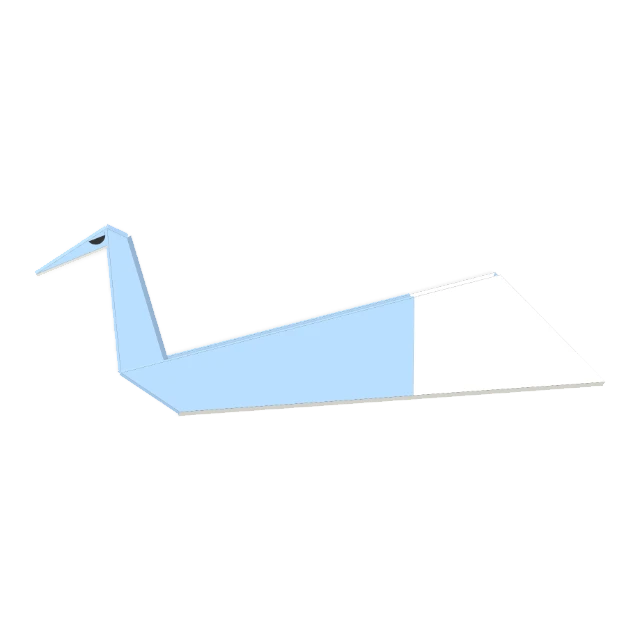
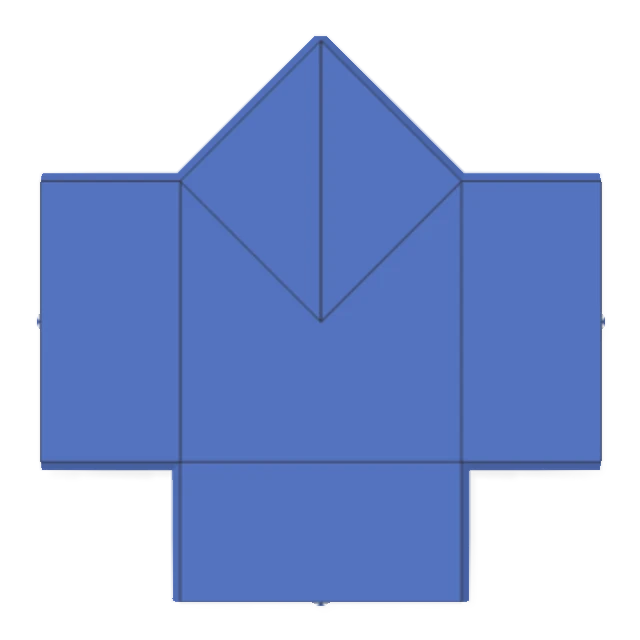
Traditional models with no known author.




On your phone, tablet or computer
It runs in the browser. Nothing to install.
Coming to the App Store and Google Play.